
LITTLE FUR TALES · GUIDES
How to choose a photo for a pet portrait
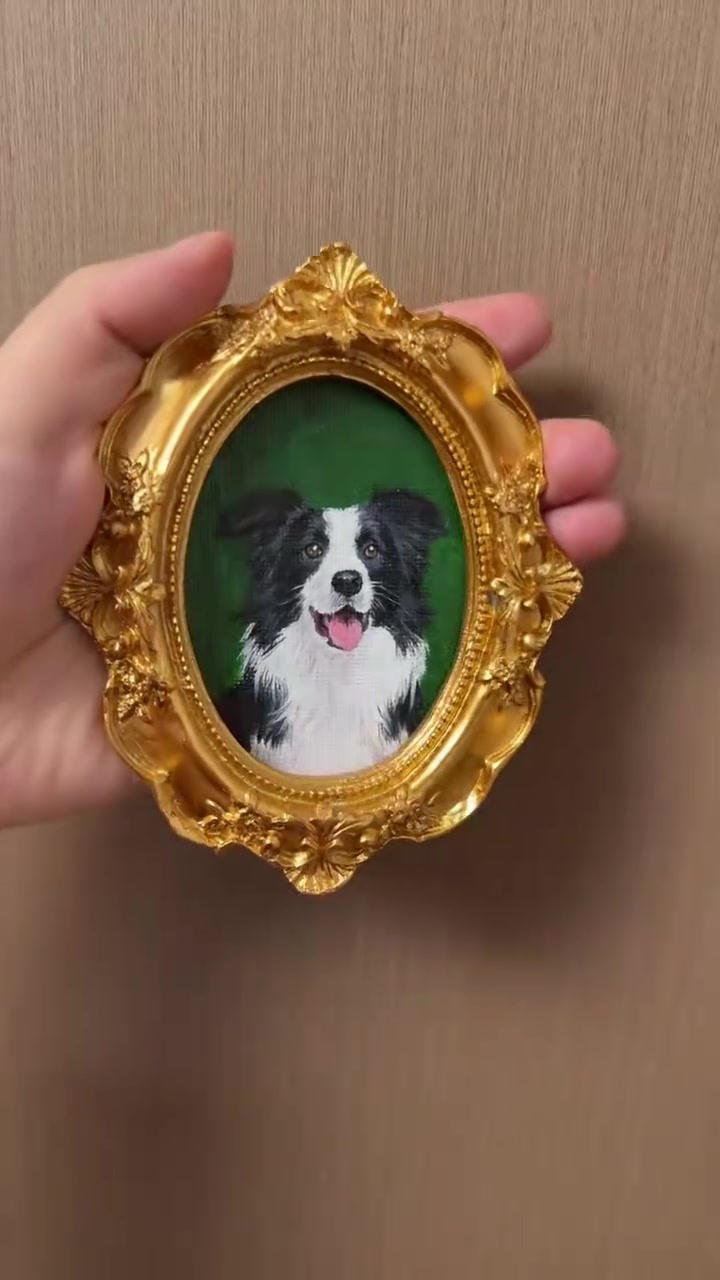
Choose a photograph where you recognise their expression straight away. A clear face and visible markings give a portrait its personality.
What makes a useful reference photo?
- Eye level: get down to your pet’s height so the face is not distorted by the camera angle.
- Natural light: face a window or take the photo outside in open shade. Make sure dark fur still has visible detail.
- A complete face: keep both ears and the outline of the head in the picture.
- The original file: choose the camera photo rather than a screenshot, social-media download or filtered version.
What if I only have an older photo?
Keep the original as it is. Artificial sharpening or AI enhancement may invent markings that are not really there. Explain which features matter most and ask for a suitability check before committing to a portrait.
What details should I mention?
Different-coloured eyes, a white chest patch, a bent ear or a favourite collar can be easy to miss. Add a short note naming the details you want preserved. State your background preference before painting begins.
Where does the photo go?
Select your photograph on the product page before adding the item to your bag. The image and your written customisation details accompany that individual item.
Upload requirements
The product page accepts JPG, PNG and WebP files up to 10 MB. Upload the original photo where possible. A large file alone does not guarantee useful detail: check that you can see the eyes and markings clearly.
What the on-screen preview means
The photo inside the frame is a crop and composition guide, not a finished oil-painting preview. The original upload is kept for the artist, and your painted background choice is recorded separately. You receive a photograph of the actual finished oil painting for approval before dispatch.
More portrait questions · Choose your frame and upload a photo